




Leaderboard
-

A Zayed
Administrators1Points168Posts

Popular Content
Showing content with the highest reputation on 02/13/2024 in Files
-
1 point
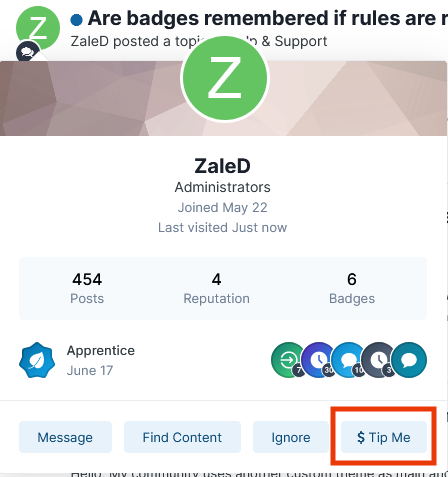 App features: Select user groups allowed to set their own tip jar URL. Select user groups allowed to tip other users. Set tip button text. Set specific payment service URLs. View list of all URLs set by users. Track all URL clicks on a single page. Support for forum topics, blog entries, profile pages, hovercard, messenger messages and files in the download center. This is the initial version, and I'm open to any ideas and suggestions.$251 point