




Leaderboard
-

A Zayed
Administrators1Points168Posts

Popular Content
Showing content with the highest reputation on 03/30/2024 in Files
-
1 point
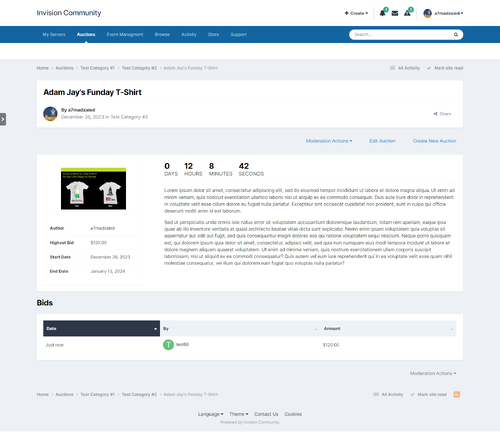 This is a basic auction system for Invision Community. Applications Features: Create multiple sections with different user permissions (Can view, can add, can bid...). Auction title, item description, item image, start amount, reserve amount. Notification when a user is overbidden. Home page widget, The admin can add multiple widgets. The application is planned to be expanded to include more and more features, feel free to post your requests/suggestions in the support section. The first 3 buyers for the application will get a discount of 40% - then the price will be $50.$501 point