





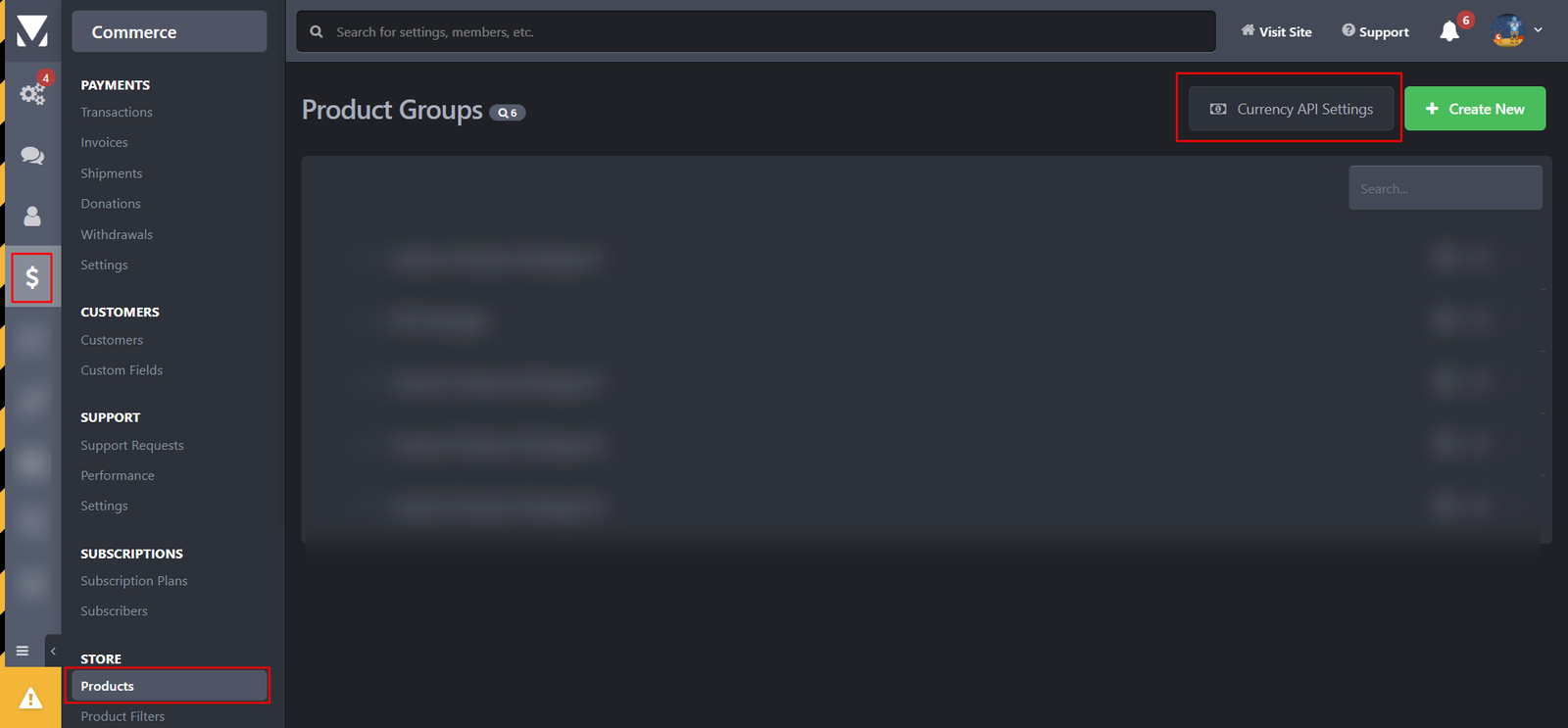

This application will automatically update package prices based on today's currency rate, in case you accept more than one payment currency.
It's helpful to keep the prices of your products up-to-date according to each currency rate, especially when you have many products.
Please note:
- This application requires IP.Commerce app installed.
- The update task runs daily, so the prices are updated once a day.
- The update task will not affect current purchases in case you set up renewal terms.
- The application uses the currencyapi service to retrieve currency rates.
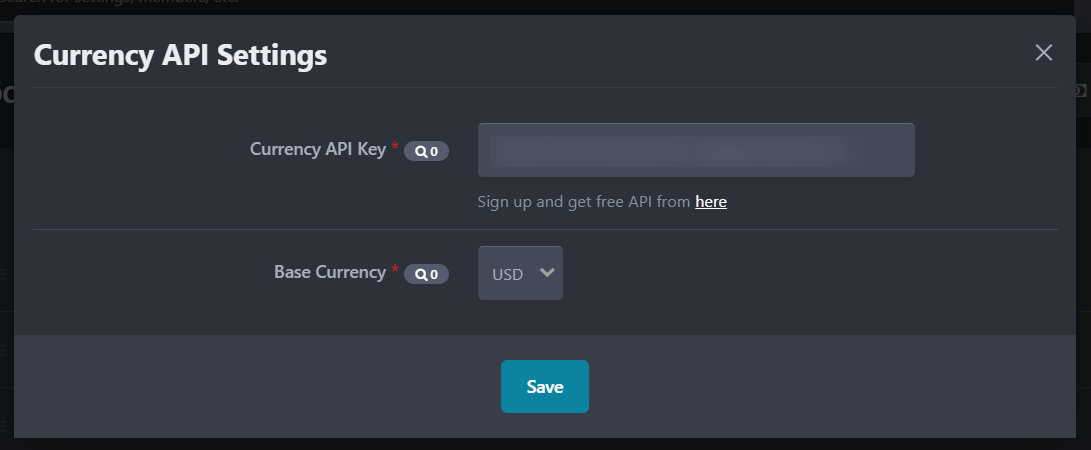
- CurrencyAPI service offers a free API key that can serve 300 requests/month.
- From the app settings you must set a valid API key and Base currency that will be used to retrieve other currencies' amounts.
IMPORTANT: If you set discounts for multiple currencies, you must ensure that the values are filled. The app will not update discounts.
You may only provide a review once you have downloaded the file.
There are no reviews to display.