





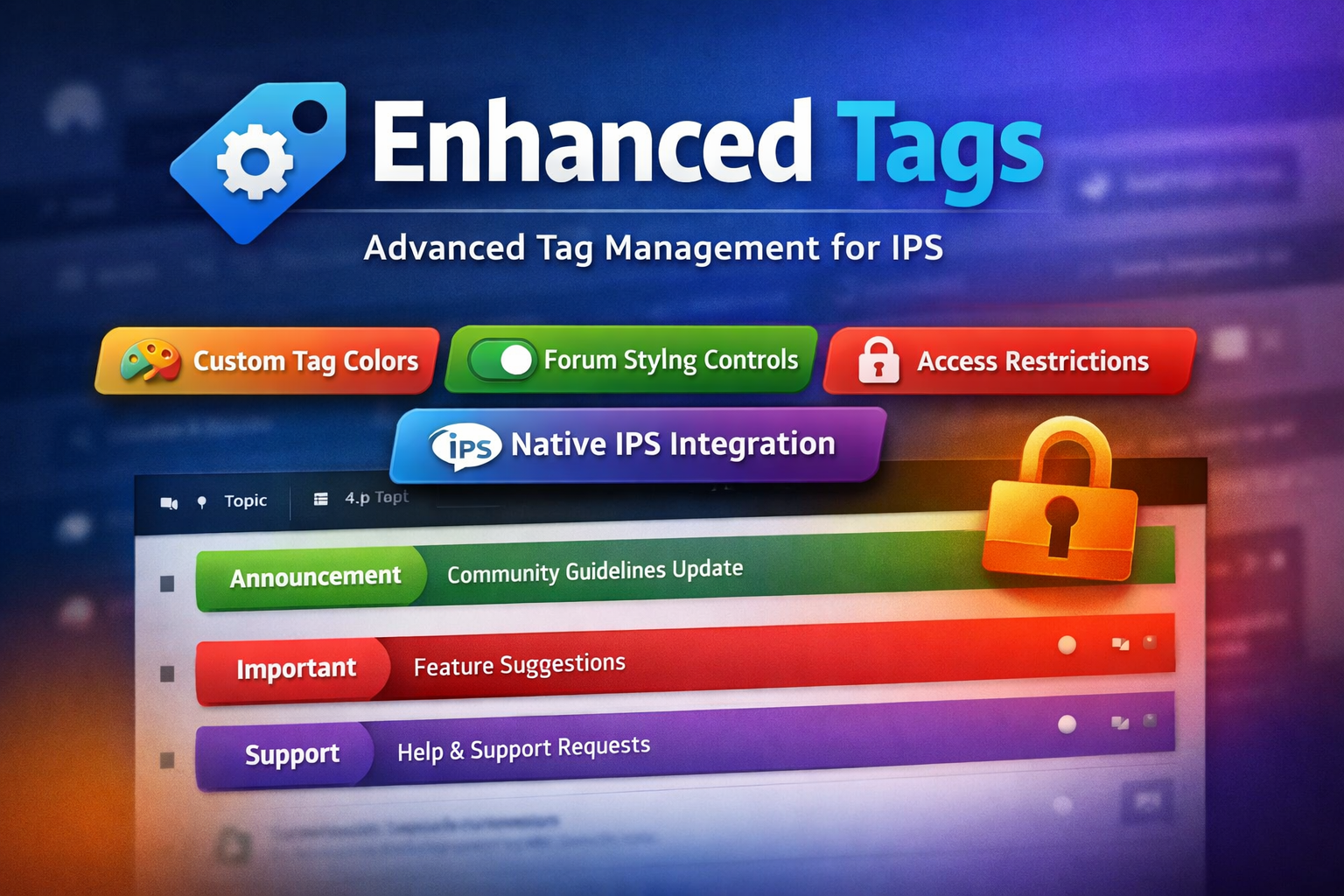
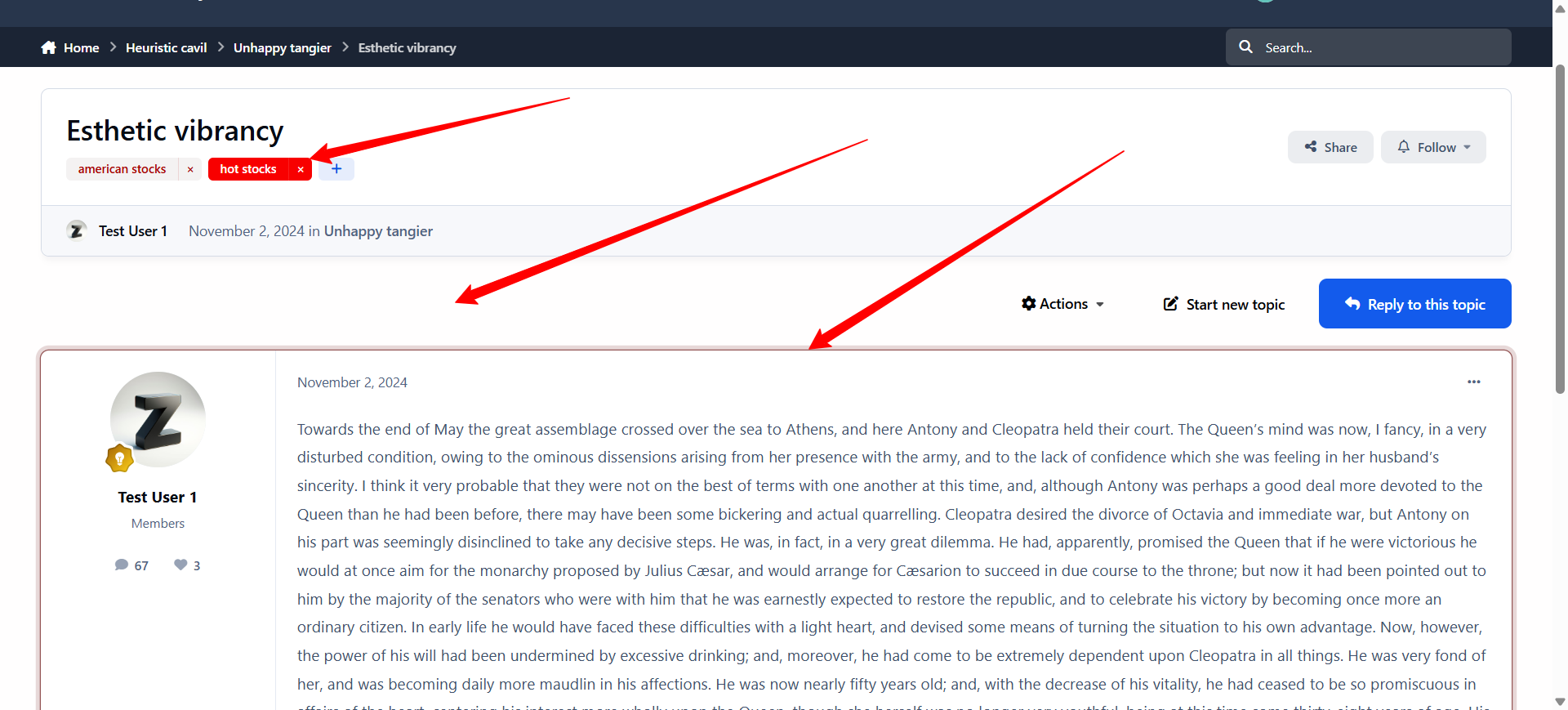
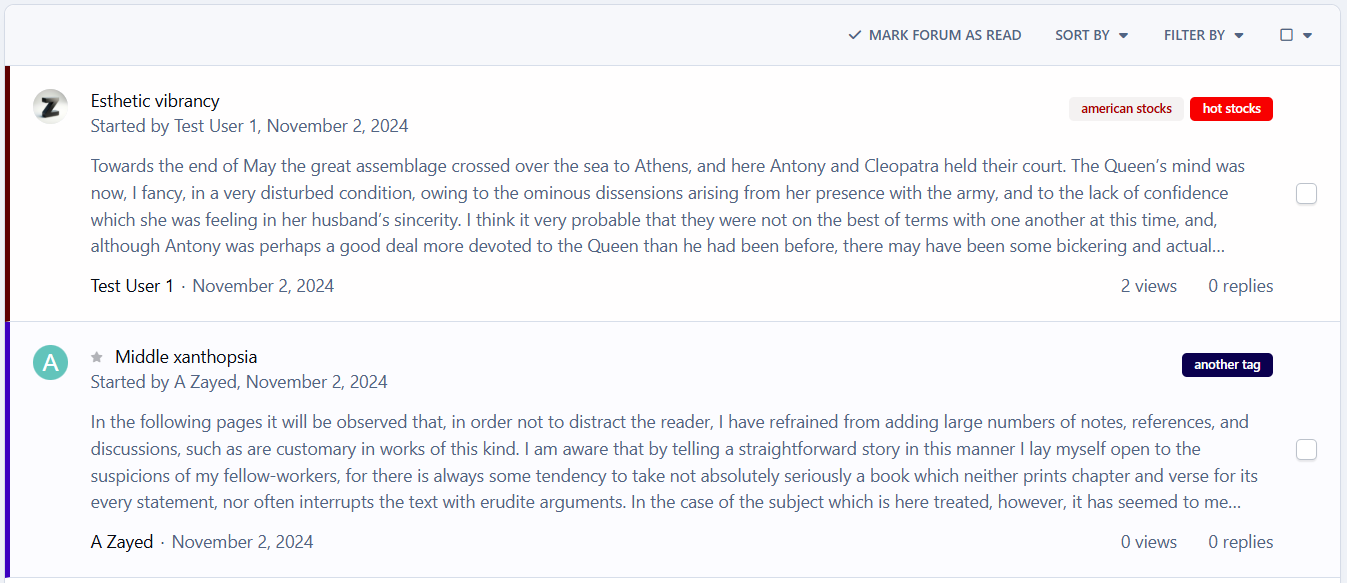
Enhanced Tags is a powerful IPS application that extends the native IPS 5 tag system, giving administrators full visual and permission-based control over tags, all from the existing IPS tag management interface.
Seamlessly integrated and globally styled, Enhanced Tags allows you to transform tags from simple labels into meaningful visual and organizational elements across your community.
🔧 Key Features
Native IPS Integration
-
Fully integrated with the default IPS 5 Tags system
-
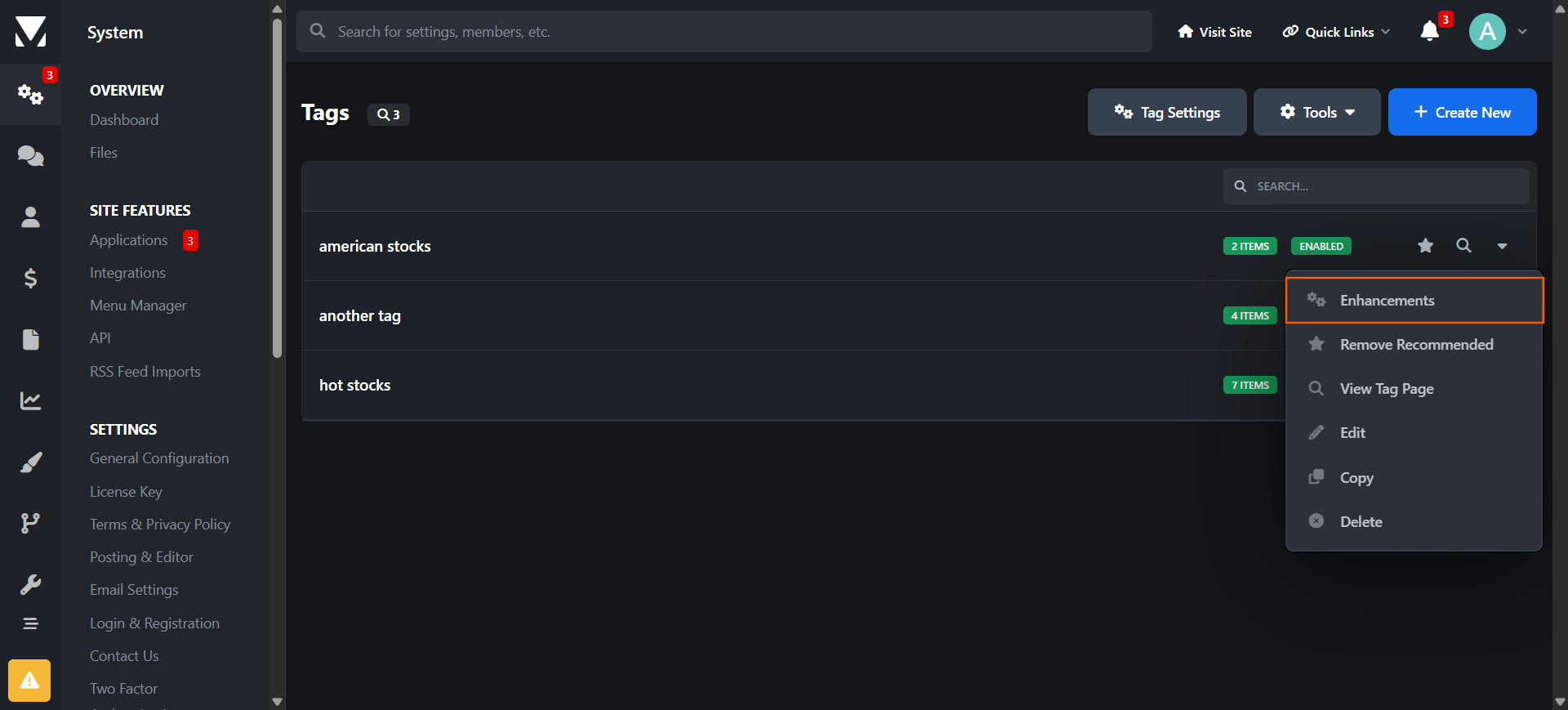
Manage all enhancements directly from the same admin module used for standard tags
-
No duplicate systems or separate workflows
Custom Tag Styling
-
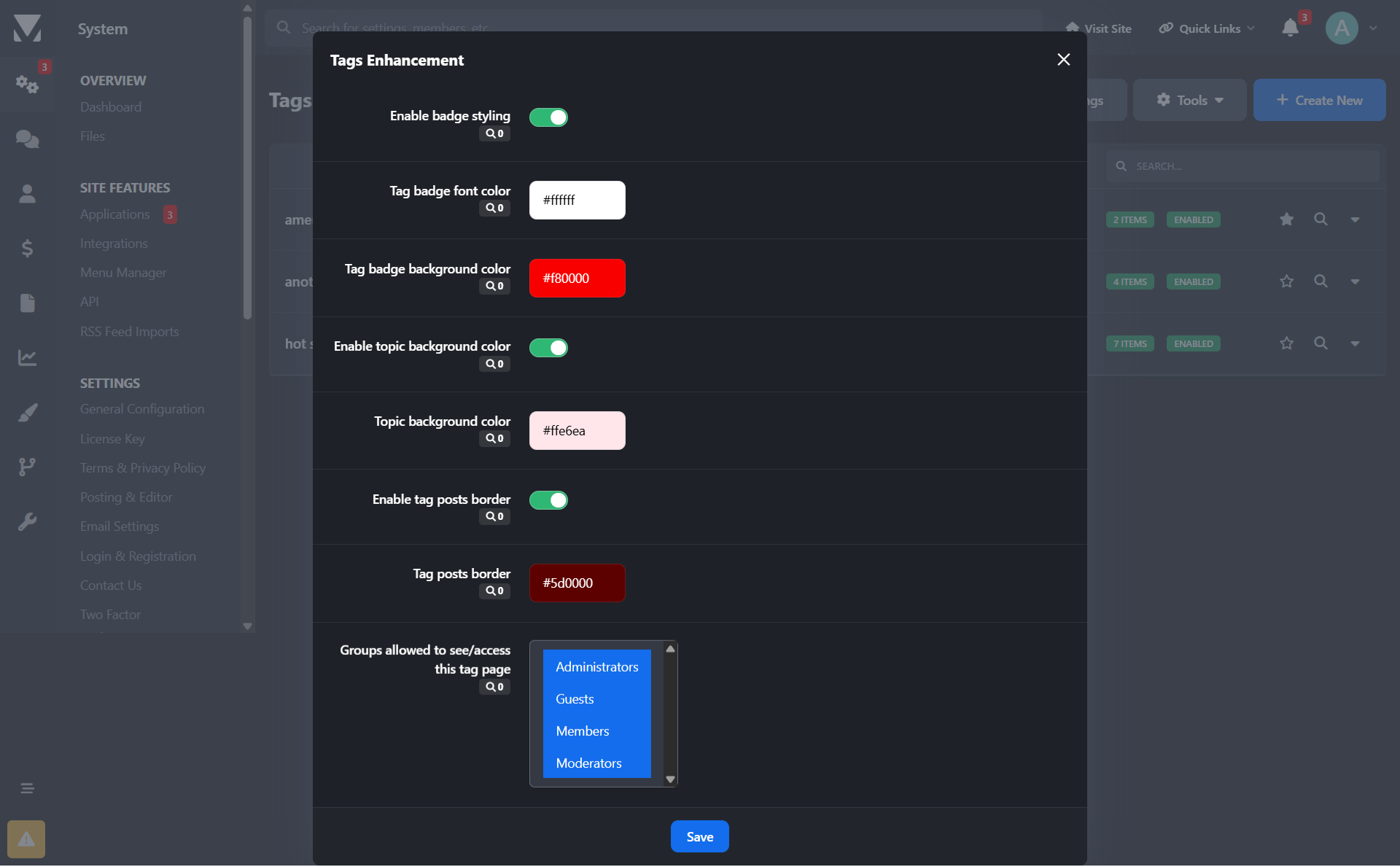
Assign a custom label color to each tag
-
Tag styles are applied consistently across all community pages
-
Optional controls to:
-
Enable or disable border color styling
-
Enable or disable background color styling
-
Forum & Topic Visual Enhancements
-
Apply tag colors to:
-
Topics/posts in forum views
-
Individual topic views
-
-
Improve content scanning and visual hierarchy for users
Granular Access Control
-
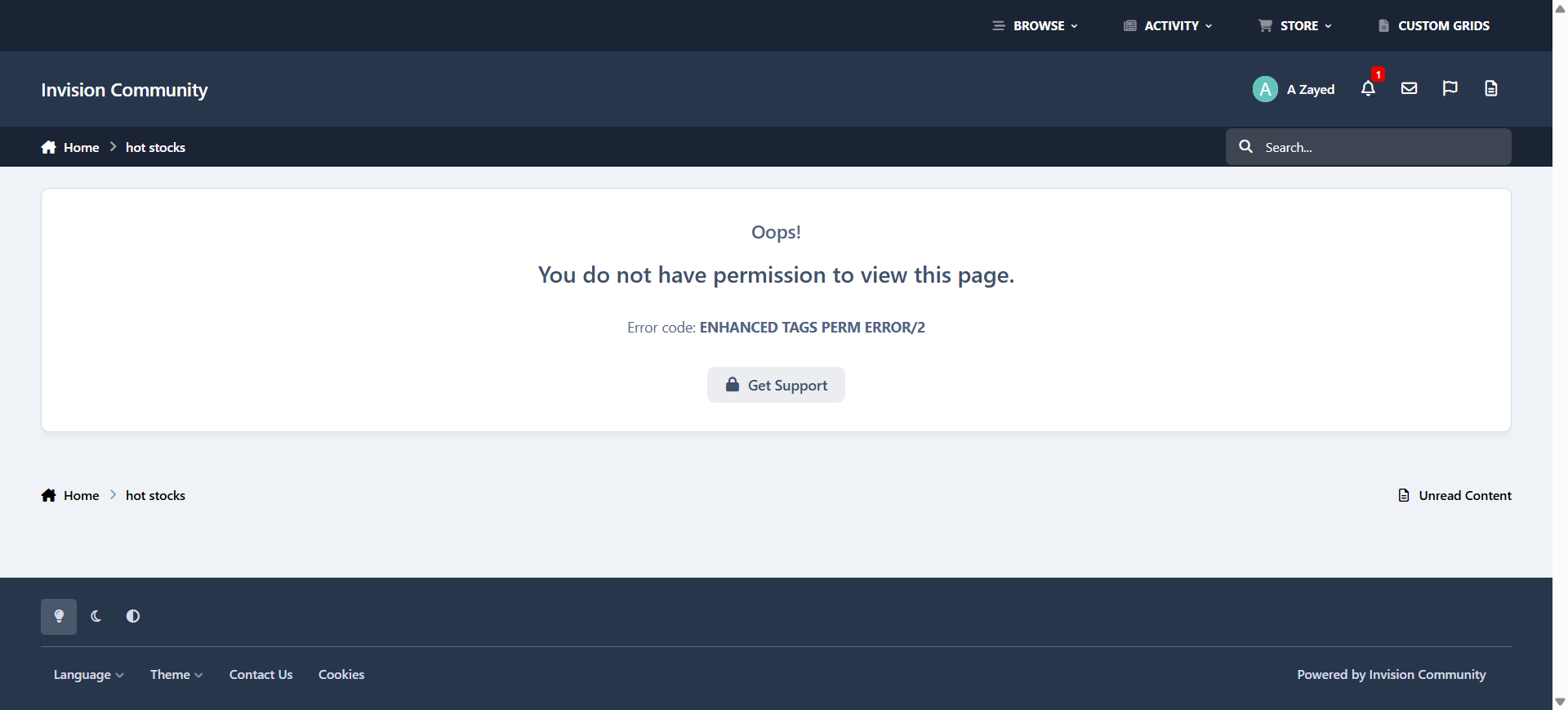
Restrict access to tag pages by specific user groups
-
Prevent selected groups from reaching or viewing tag-related pages
Why Enhanced Tags?
-
Improves content visibility and organization
-
Adds brand-consistent visual identity to tags
-
Gives admins fine-grained control without breaking IPS core behavior
-
Ideal for communities that rely heavily on tagging for navigation or moderation
You may only provide a review once you have downloaded the file.
There are no reviews to display.