





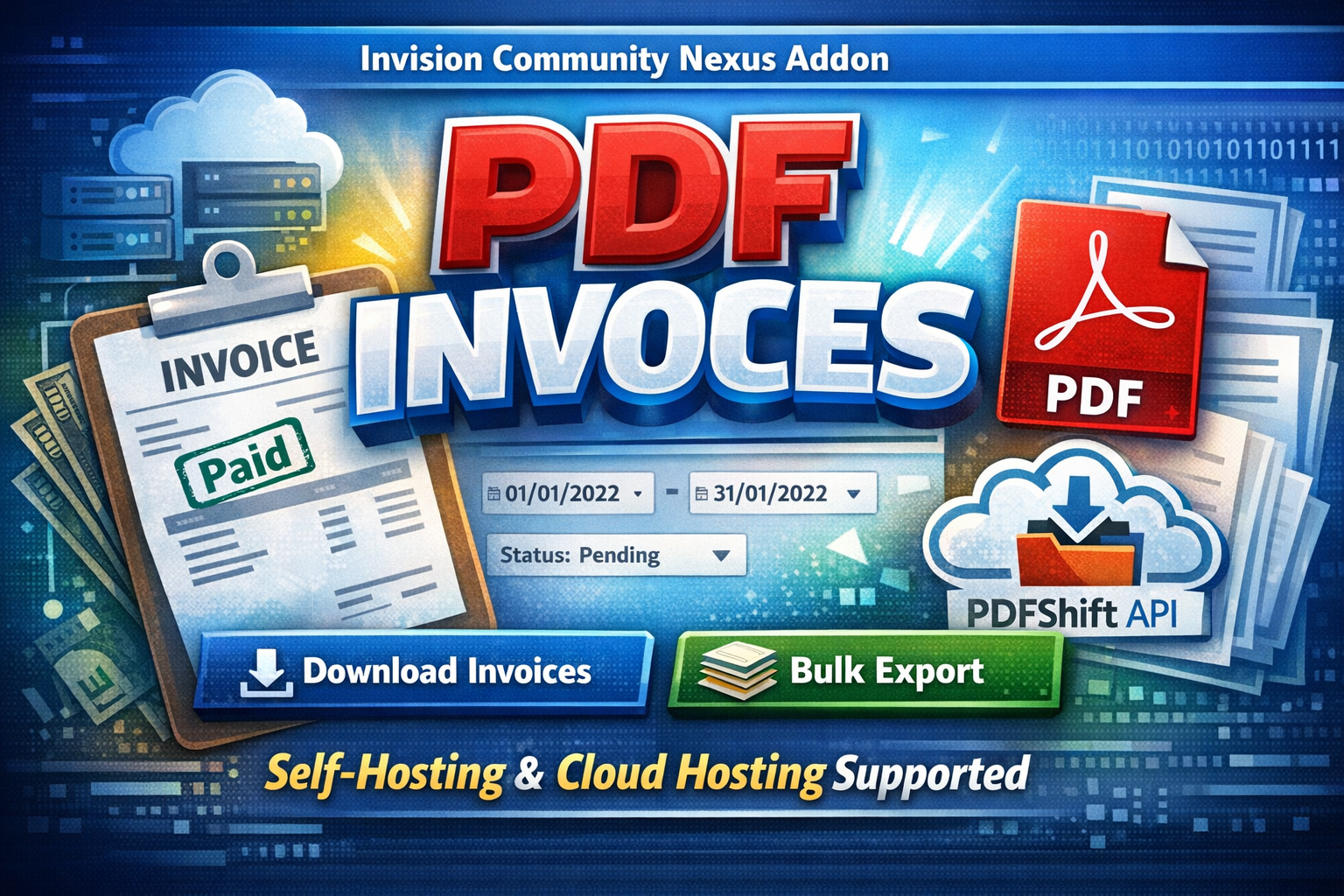
PDF Invoices is a powerful IPS Nexus addon that allows administrators to generate professional PDF invoices directly from the ACP.
Designed to work seamlessly on both self-hosted and IPS Cloud environments, the application intelligently switches between:
-
Dompdf for self-hosting
-
PDFShift API for cloud hosting (where some PHP functions are restricted)
This guarantees reliable PDF generation regardless of your hosting type.
With advanced filtering options, bulk export capabilities, and clean invoice formatting, managing customer invoices becomes fast, simple, and professional.
Key Features
-
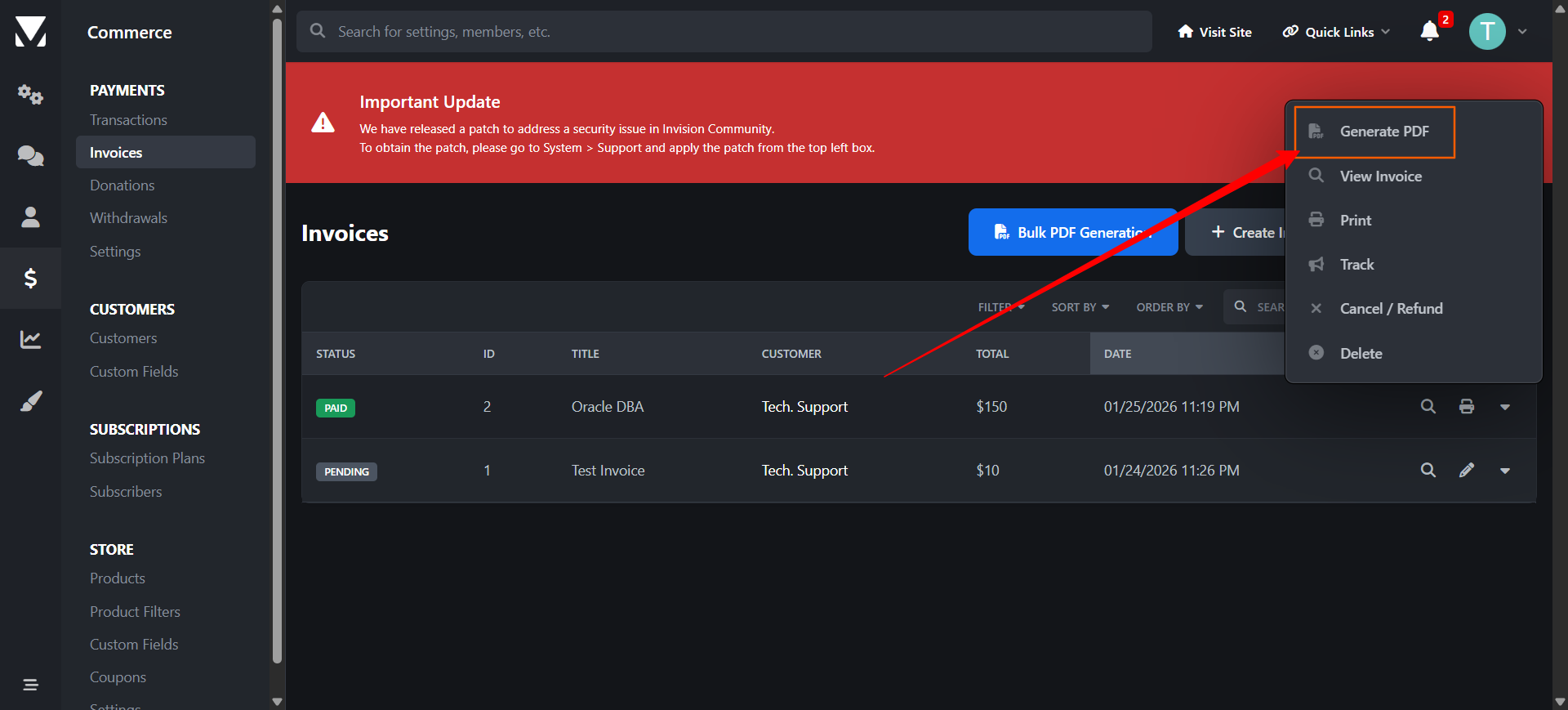
✅ Download single invoice as PDF
-
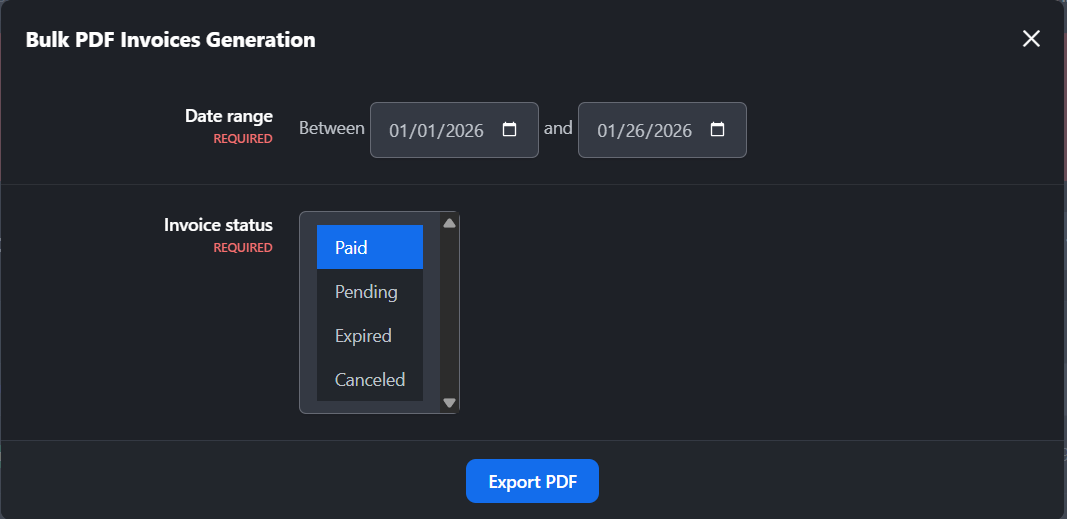
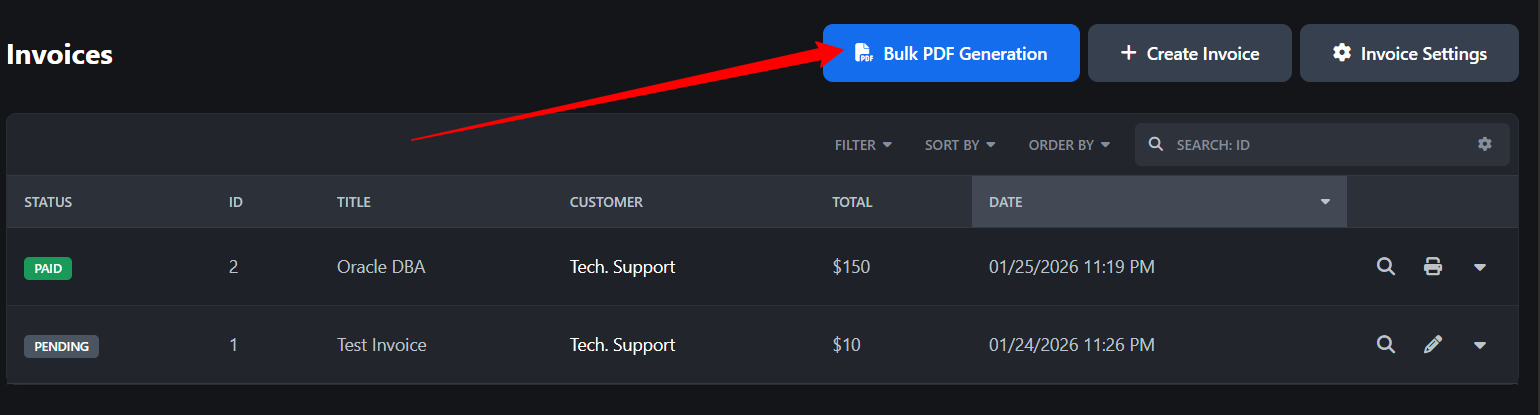
✅ Bulk download invoices by date range
-
✅ Filter by invoice status (Paid, Pending, Canceled, etc.)
-
✅ Supports Nexus invoice structure
-
✅ Automatic detection of hosting environment
-
✅ Dompdf support for self-hosting
-
✅ PDFShift API integration for IPS Cloud
-
✅ Clean, printable invoice layout
-
✅ Optimized for large invoice volumes
-
✅ Secure & admin-only access
-
✅ Easy installation & configuration
Requirements
-
Invision Community 5.x
-
Nexus app enabled
-
PHP 8.1+ (self-hosting)
-
PDFShift API key (for cloud hosting)
Use Cases
-
Accounting & finance teams
-
Monthly invoice archiving
-
Customer invoice re-sending
-
Bulk reporting
-
Tax documentation
-
Migration or backups
FOR IPS CLOUD HOSTING CUSTOMERS:
You'll be forced to use the PDFShift API [added in the integrations section] - it offers free 50 files/month.
You may only provide a review once you have downloaded the file.
There are no reviews to display.