




Skip to content
View in the app

A better way to browse. Learn more.

Zayed.Solutions

A full-screen app on your home screen with push notifications, badges and more.

To install this app on iOS and iPadOS
  1. Tap the Share icon in Safari
  2. Scroll the menu and tap Add to Home Screen.
  3. Tap Add in the top-right corner.
To install this app on Android
  1. Tap the 3-dot menu (⋮) in the top-right corner of the browser.
  2. Tap Add to Home screen or Install app.
  3. Confirm by tapping Install.

Notification Icons 1.1.2

$20

(0 reviews)

7 Screenshots

Notification Icons from @A Zayed

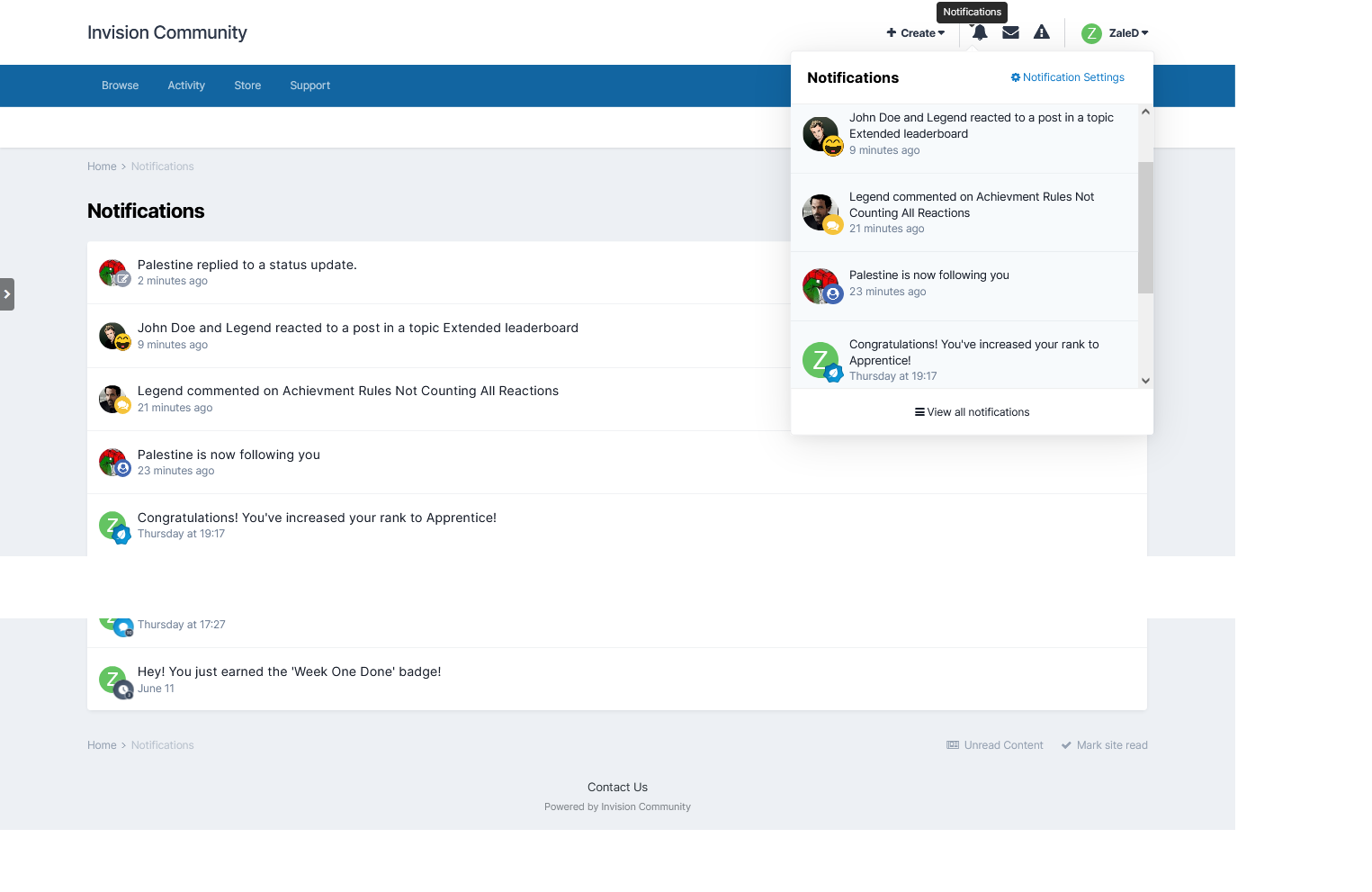
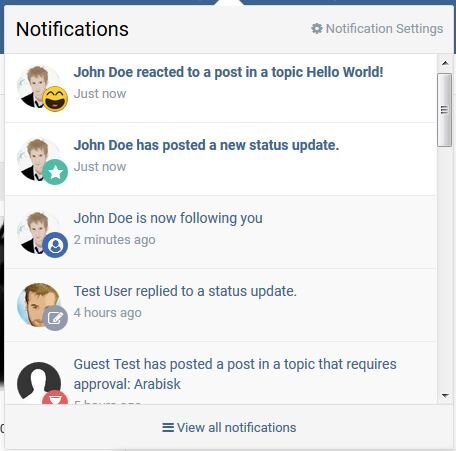
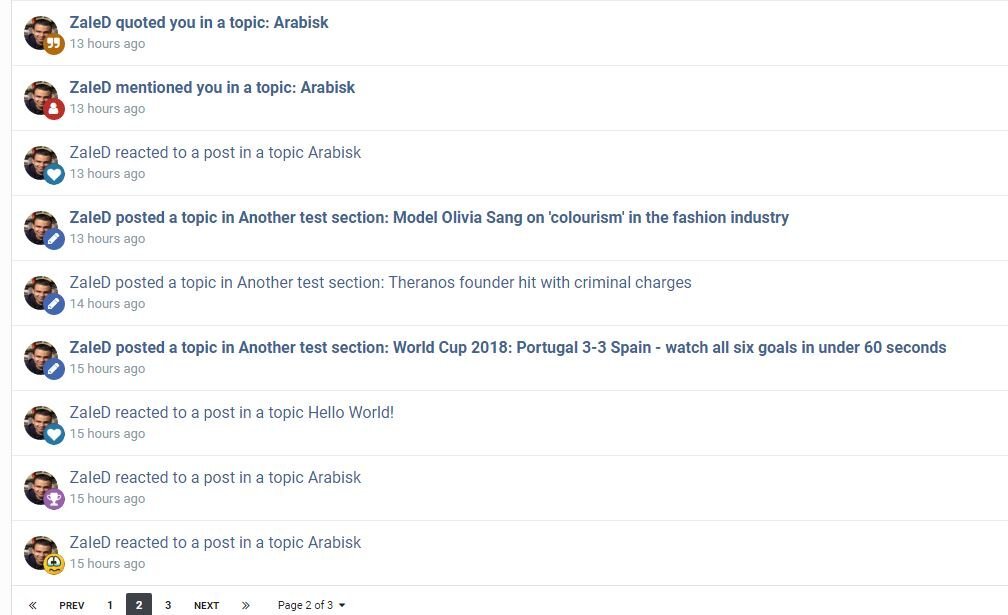
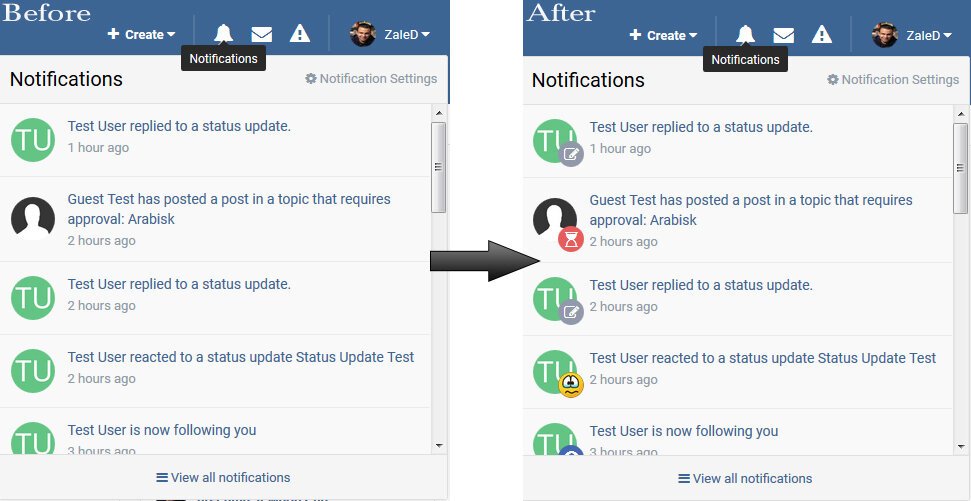
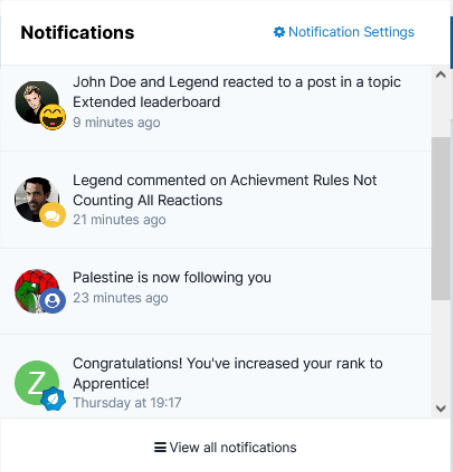
A simple plugin to place an icon representing notification item inside inline notification page and top notification ajaxed box.

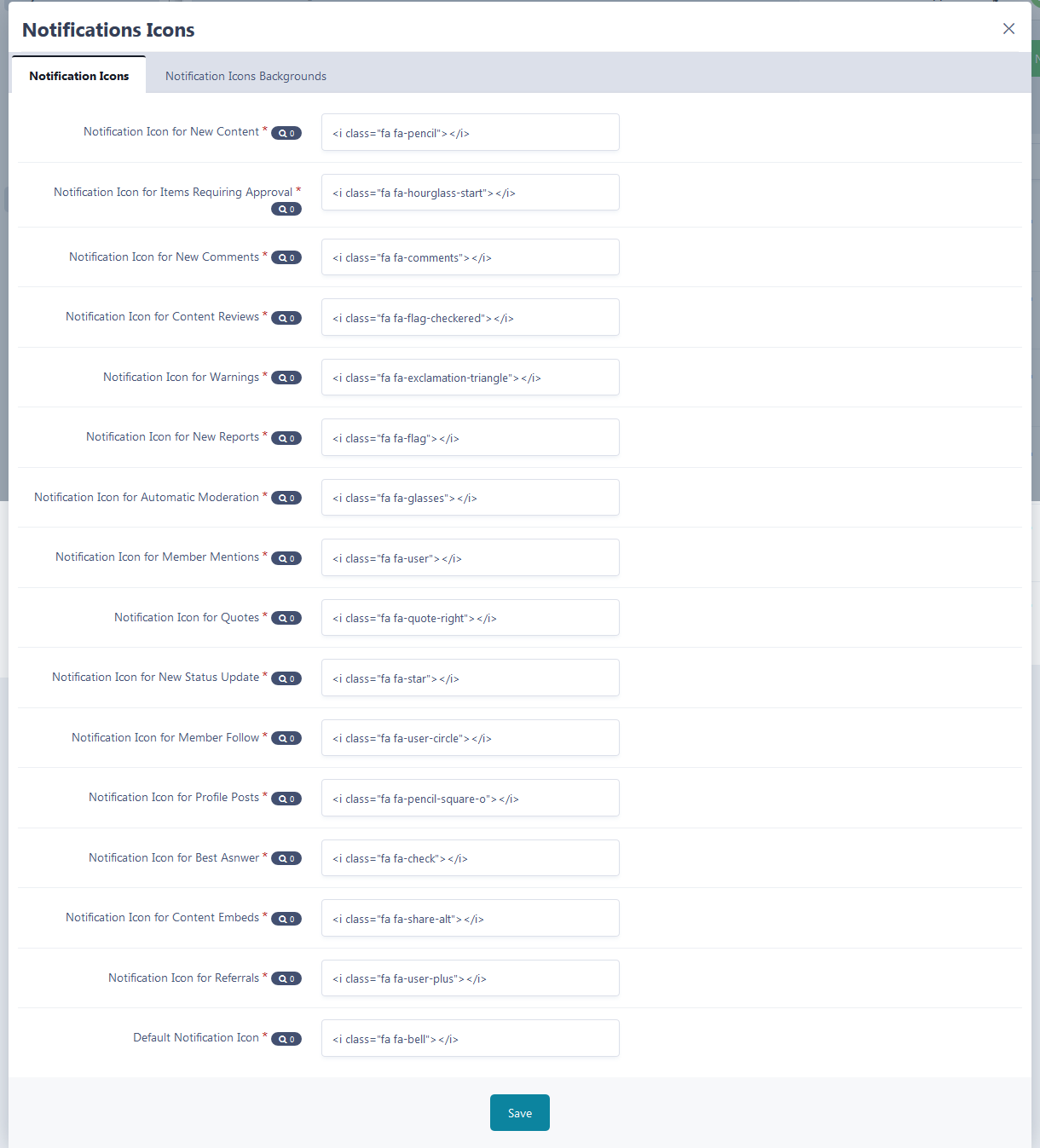
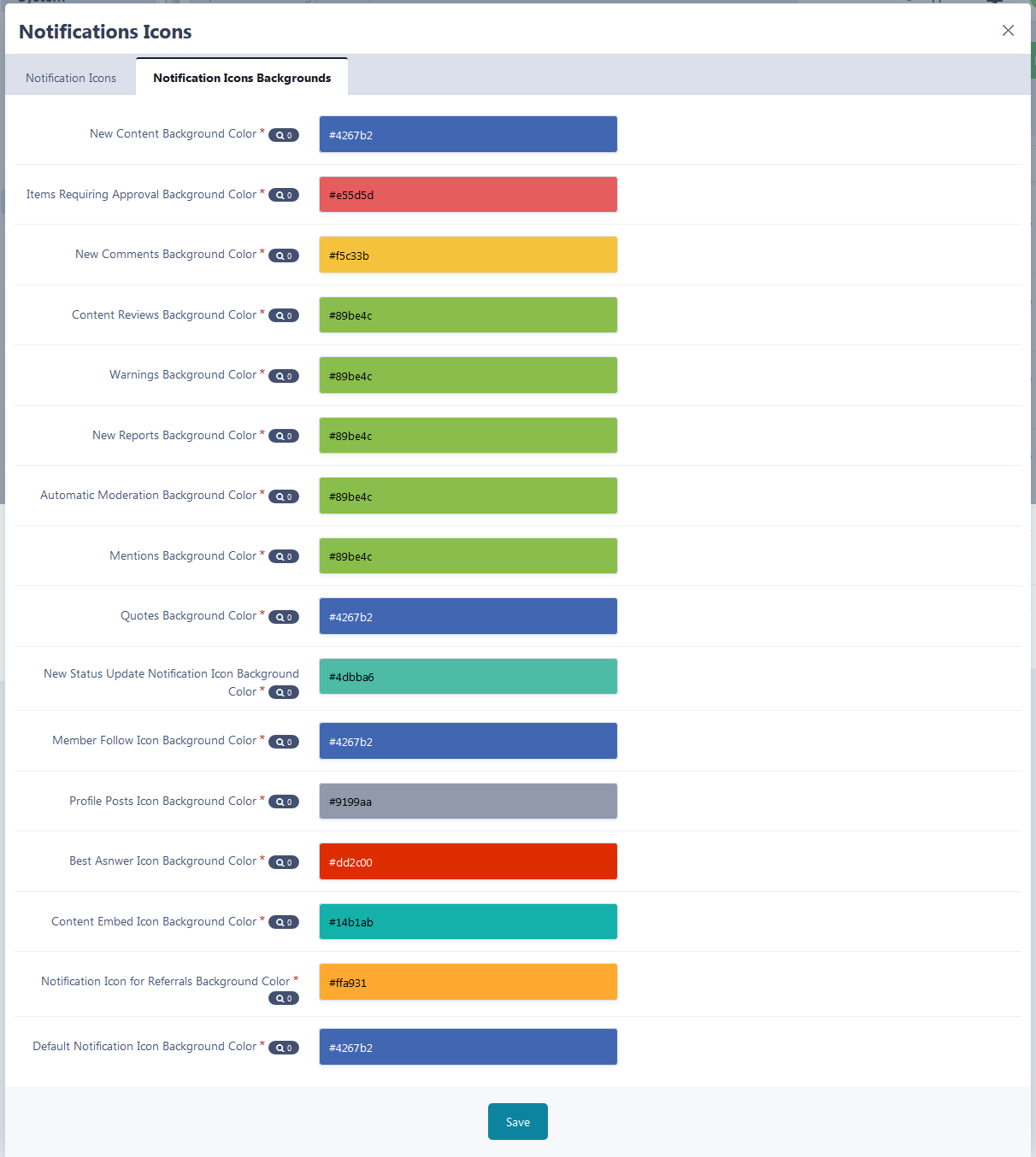
The plugin comes with full customization for the used icons and their backgrounds,

It supports all notification types related to Content types & Member related notifications as following:

  • New Content in Followed Area
  • Content Requiring Approval
  • New Comment/Review
  • Warnings/Reports
  • Automatic Moderation
  • Mentions/Quotes
  • Reactions
  • Following Member's Notifications
  • Profile Comments/Replies
  • Posting New Statuses for Followed Members
  • Default Icon for any Custom Notification

Sample5.thumb.jpg.2ab26d06ae6ccf16010aad8f492c4289.jpg

Important notes after installation:

  1. Some communities may require caches clear in order to display the icons normally.
  2. To choose the icon, you've to use fontawsome version 4.7 HERE


Version 5 application: 


Hope you enjoy it.

User Feedback

You may only provide a review once you have downloaded the file.

There are no reviews to display.

Account

Navigation

Search

Search

Configure browser push notifications

Chrome (Android)
  1. Tap the lock icon next to the address bar.
  2. Tap Permissions → Notifications.
  3. Adjust your preference.
Chrome (Desktop)
  1. Click the padlock icon in the address bar.
  2. Select Site settings.
  3. Find Notifications and adjust your preference.