






Skip to content
View in the app

A better way to browse. Learn more.

Zayed.Solutions

A full-screen app on your home screen with push notifications, badges and more.

To install this app on iOS and iPadOS
  1. Tap the Share icon in Safari
  2. Scroll the menu and tap Add to Home Screen.
  3. Tap Add in the top-right corner.
To install this app on Android
  1. Tap the 3-dot menu (⋮) in the top-right corner of the browser.
  2. Tap Add to Home screen or Install app.
  3. Confirm by tapping Install.

Auction System 1.0.5

$50

(1 review)

8 Screenshots

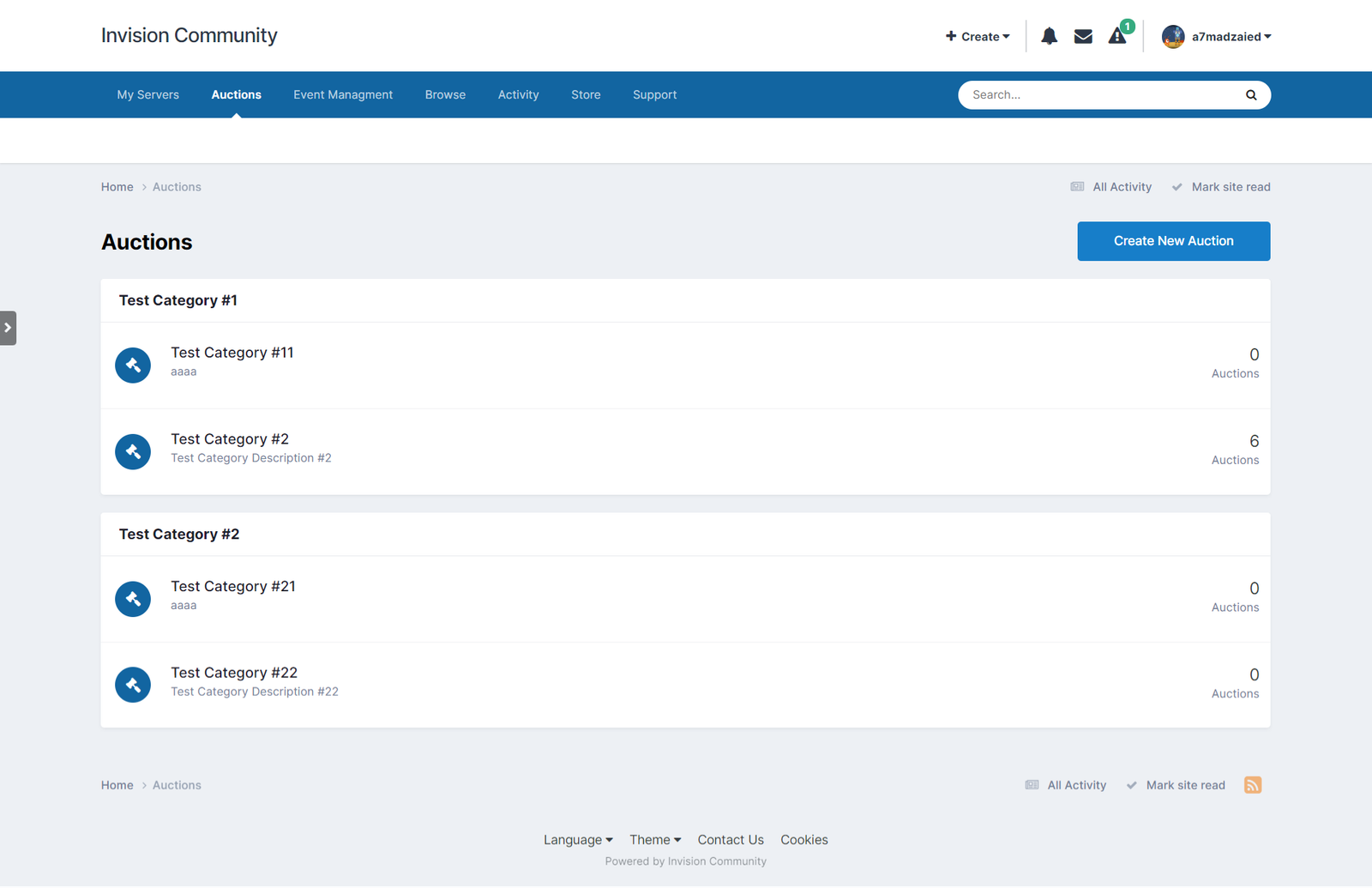
This is a basic auction system for Invision Community.

Applications Features:

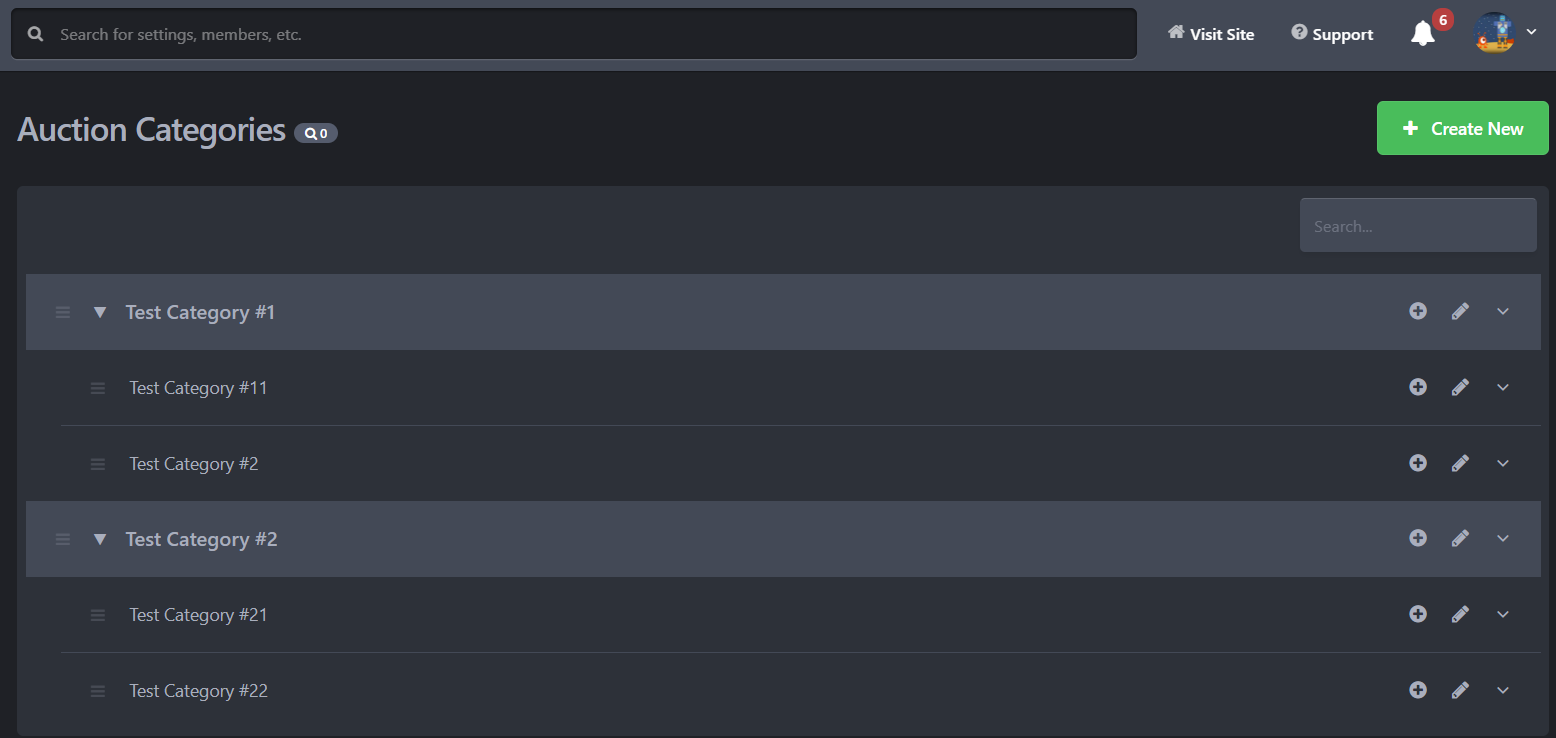
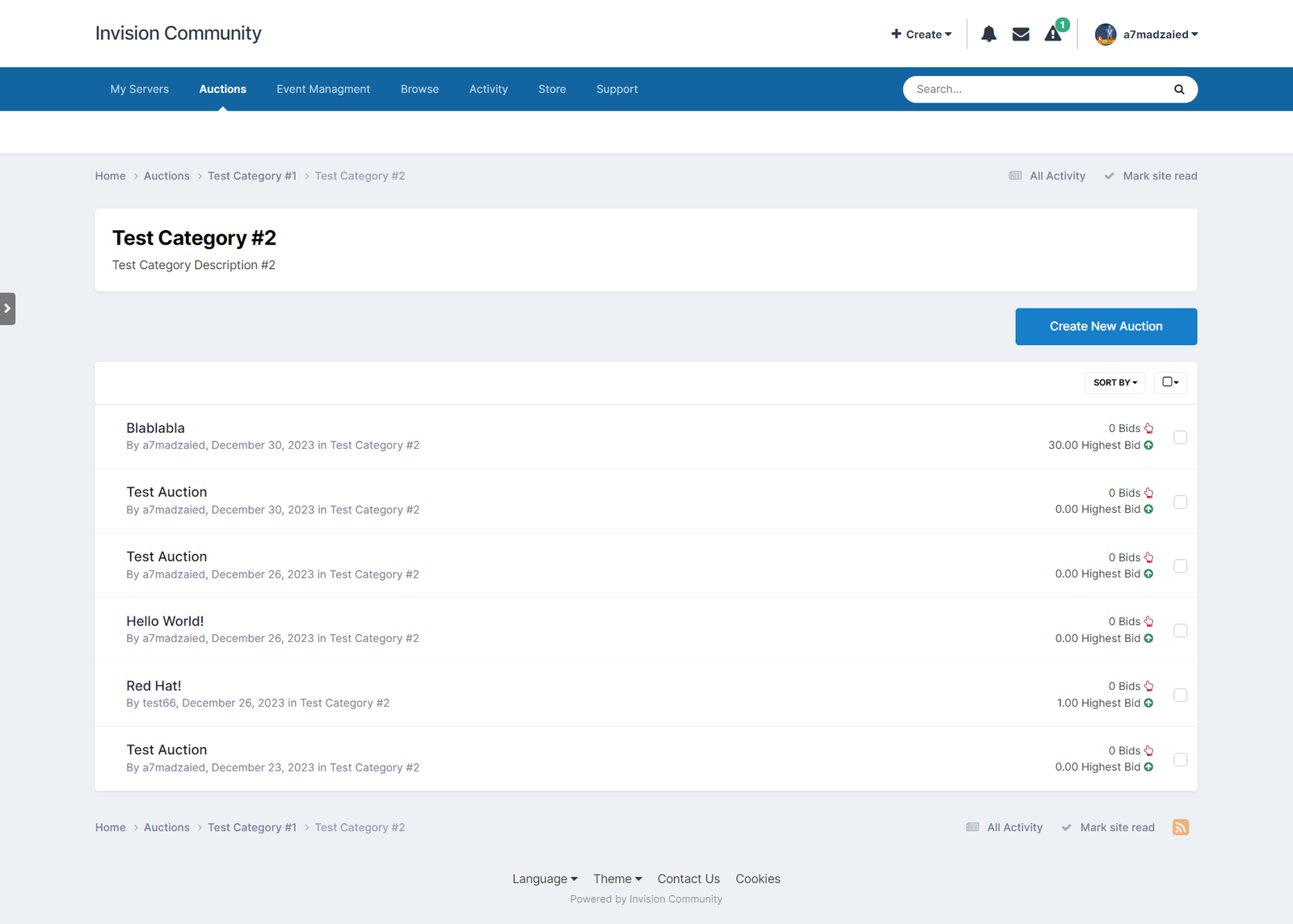
  • Create multiple sections with different user permissions (Can view, can add, can bid...).
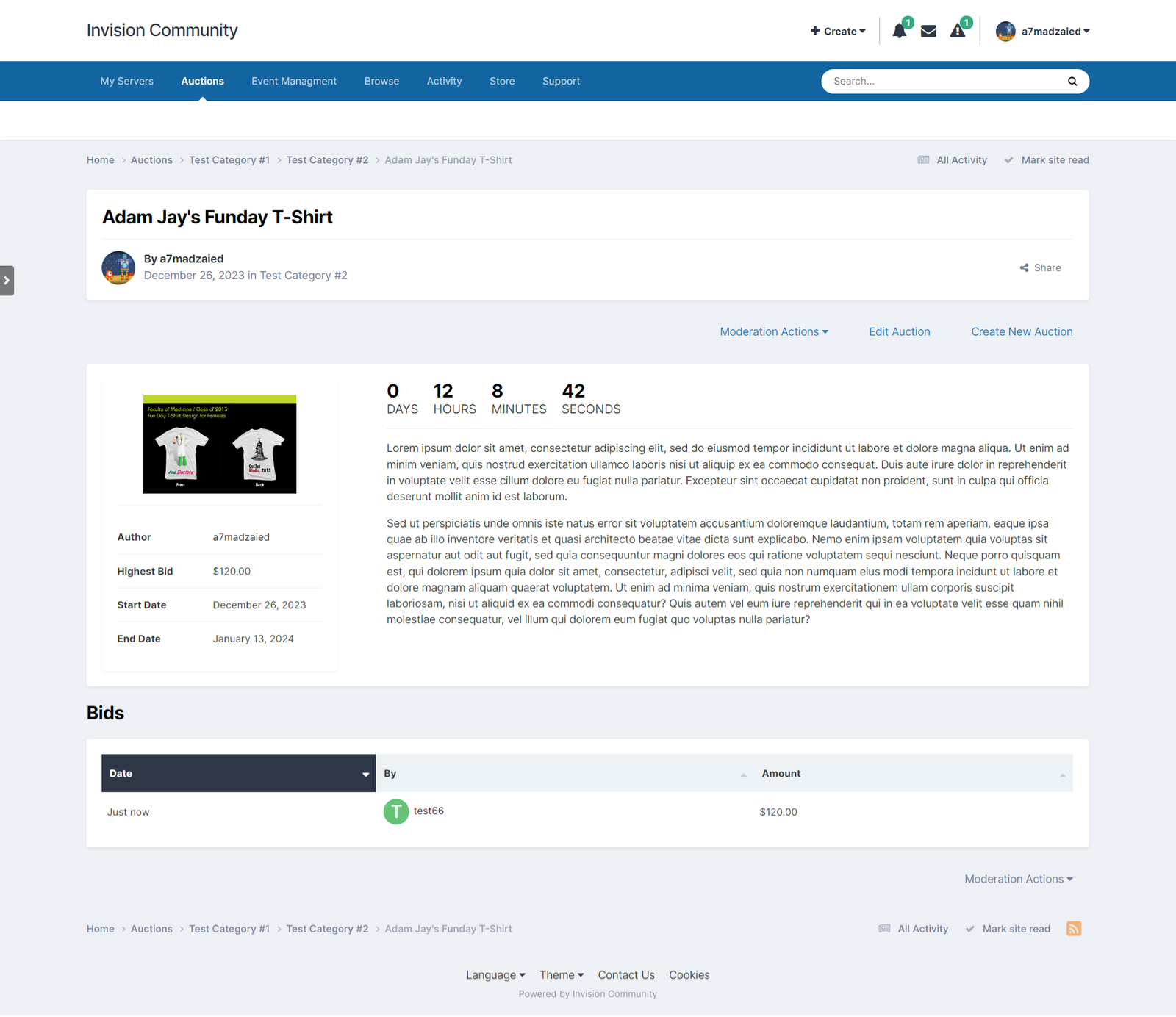
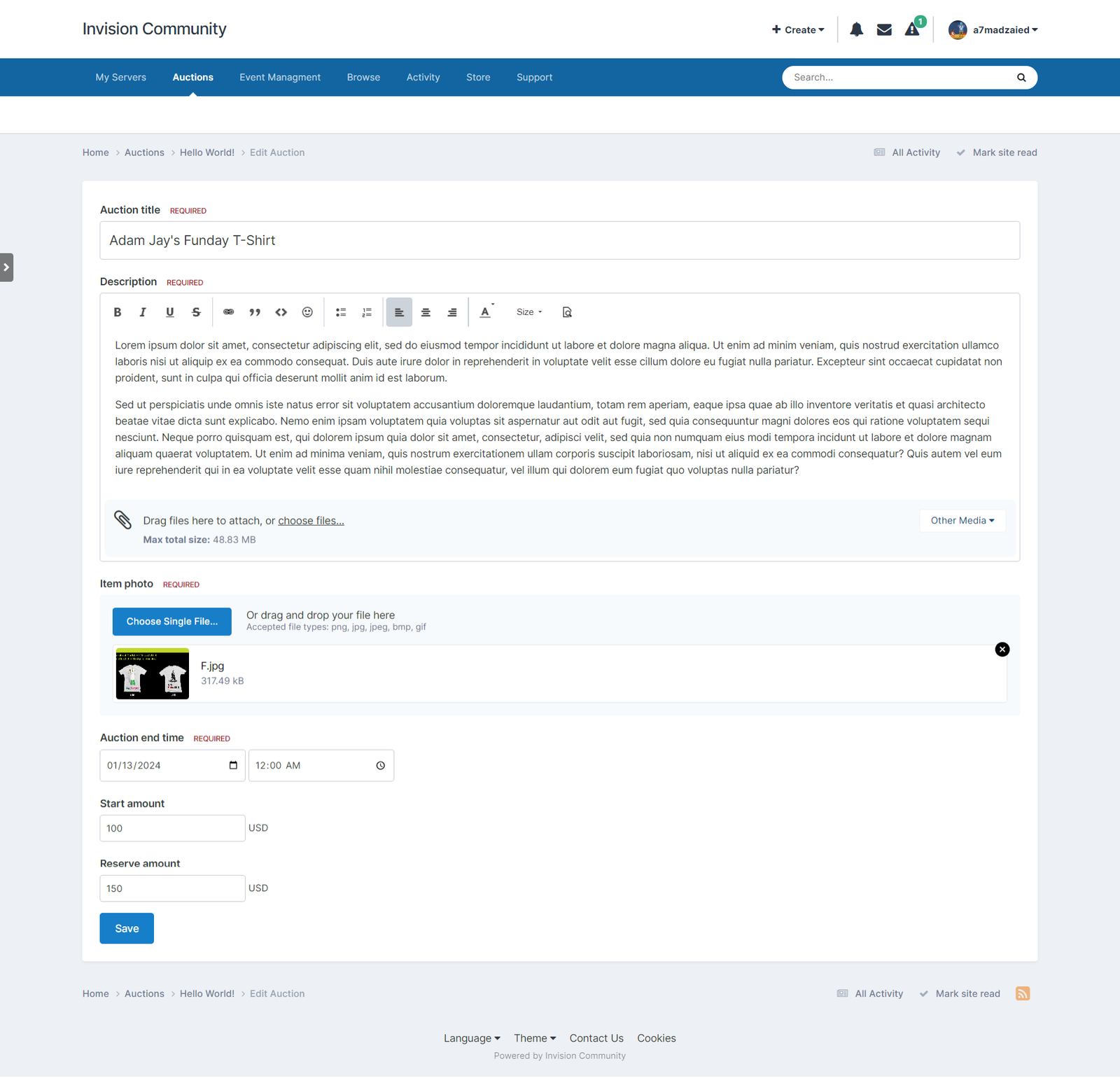
  • Auction title, item description, item image, start amount, reserve amount.
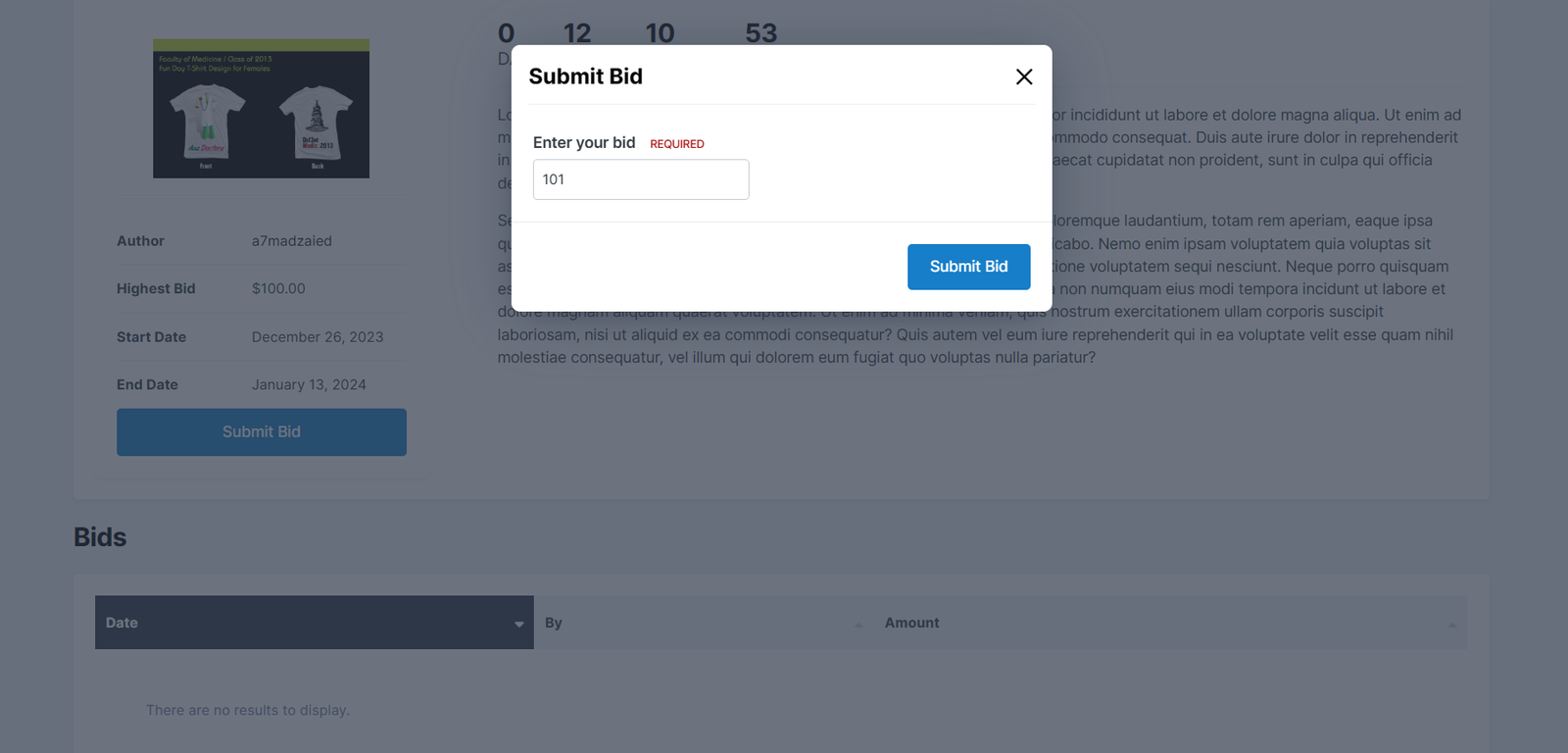
  • Notification when a user is overbidden.
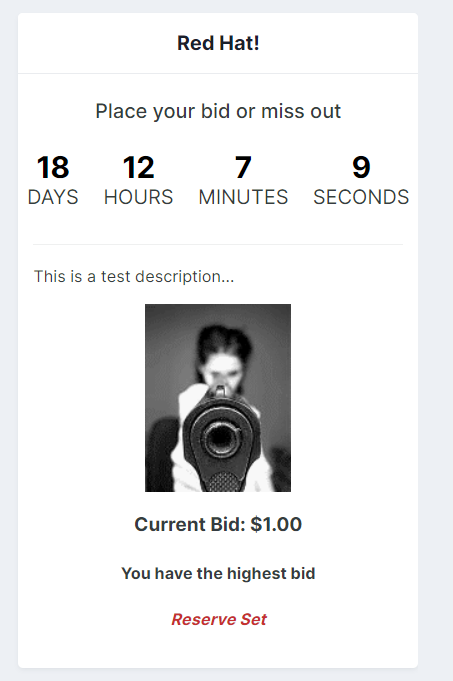
  • Home page widget, The admin can add multiple widgets.

The application is planned to be expanded to include more and more features, feel free to post your requests/suggestions in the support section.

The first 3 buyers for the application will get a discount of 40% - then the price will be $50.

What's New in Version 1.0.5

Released

Bug Fix: Number of bids not correctly set.

User Feedback

You may only provide a review once you have downloaded the file.

   3 of 3 members found this review helpful 3 / 3 members

This is one of the best apps anyone could add in their community. It brings people together and allows them to trade, especially if the site is geared for collectables or collecting interests.

A few little glitches but I have every confidence in Ahmed's ability to iron them out. Already we have a successful participation.

1) May I suggest incremental bids ($1 increments to $10, $2 to $20, $5 to $50, $10 to $100 $20 to $500 and $50 thereafter)

2)The ability for admin to change a bid that was entered incorrectly

3)A small thumbnail image in the listing next to the list

4)A possible time extension if the bid was lodged 1 minute before the end.

5)Anonymous options for the bidder.

6)A day limit option for the sale

7) A block enabling latest listings to scroll though


Account

Navigation

Search

Search

Configure browser push notifications

Chrome (Android)
  1. Tap the lock icon next to the address bar.
  2. Tap Permissions → Notifications.
  3. Adjust your preference.
Chrome (Desktop)
  1. Click the padlock icon in the address bar.
  2. Select Site settings.
  3. Find Notifications and adjust your preference.