





John Foumakis
Verified IPS Client
-
Joined
-
Last visited
-
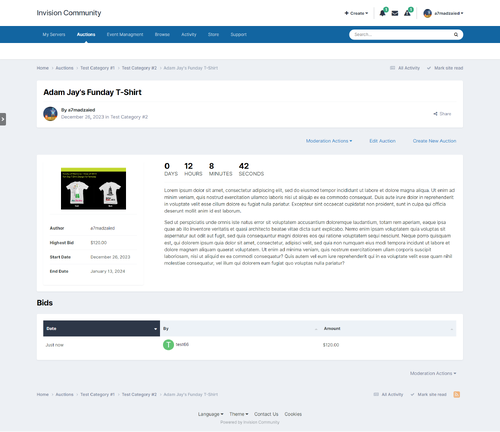 This is one of the best apps anyone could add in their community. It brings people together and allows them to trade, especially if the site is geared for collectables or collecting interests. A few little glitches but I have every confidence in Ahmed's ability to iron them out. Already we have a successful participation. 1) May I suggest incremental bids ($1 increments to $10, $2 to $20, $5 to $50, $10 to $100 $20 to $500 and $50 thereafter) 2)The ability for admin to change a bid that was entered incorrectly 3)A small thumbnail image in the listing next to the list 4)A possible time extension if the bid was lodged 1 minute before the end. 5)Anonymous options for the bidder. 6)A day limit option for the sale 7) A block enabling latest listings to scroll though
- 1 review
-
-

- 1
-