

Skip to content
View in the app

A better way to browse. Learn more.

Zayed.Solutions

A full-screen app on your home screen with push notifications, badges and more.

To install this app on iOS and iPadOS
  1. Tap the Share icon in Safari
  2. Scroll the menu and tap Add to Home Screen.
  3. Tap Add in the top-right corner.
To install this app on Android
  1. Tap the 3-dot menu (⋮) in the top-right corner of the browser.
  2. Tap Add to Home screen or Install app.
  3. Confirm by tapping Install.

User Redirects 2.0.5

$20

(0 reviews)

5 Screenshots

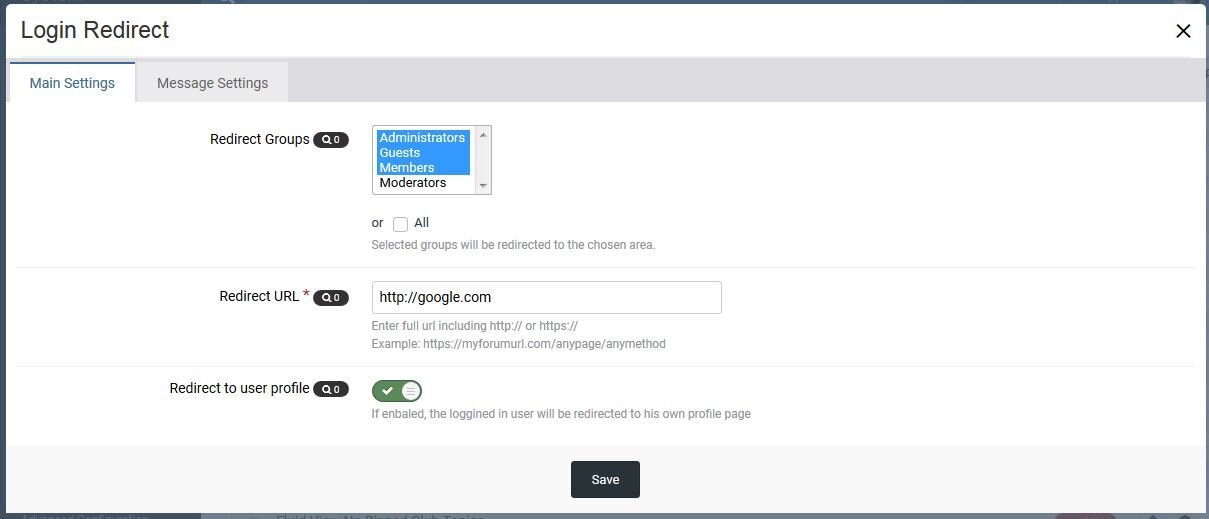
A simple plugin that allows admins to set the page that selected users groups will be redirected to once they Login or logout.

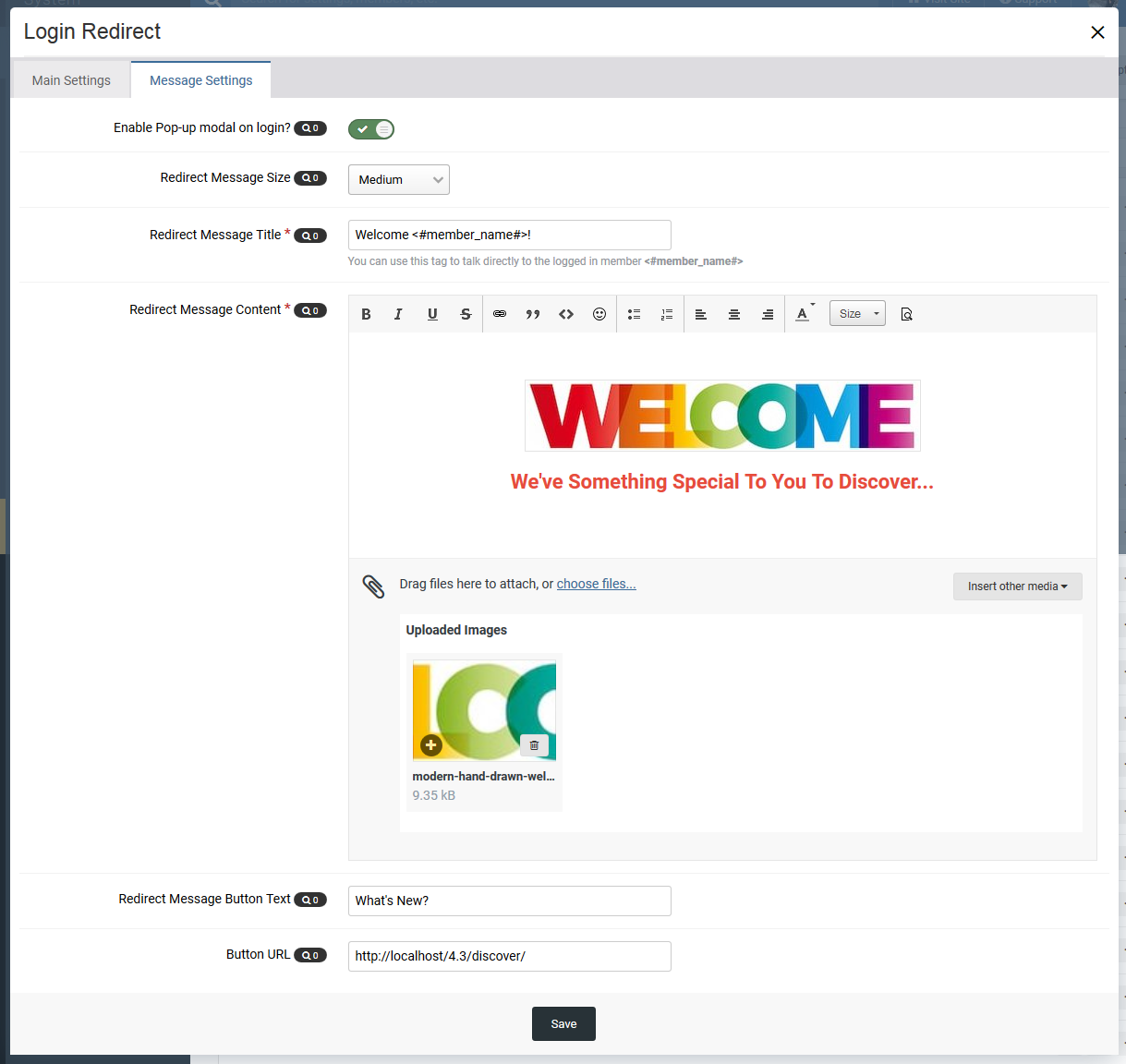
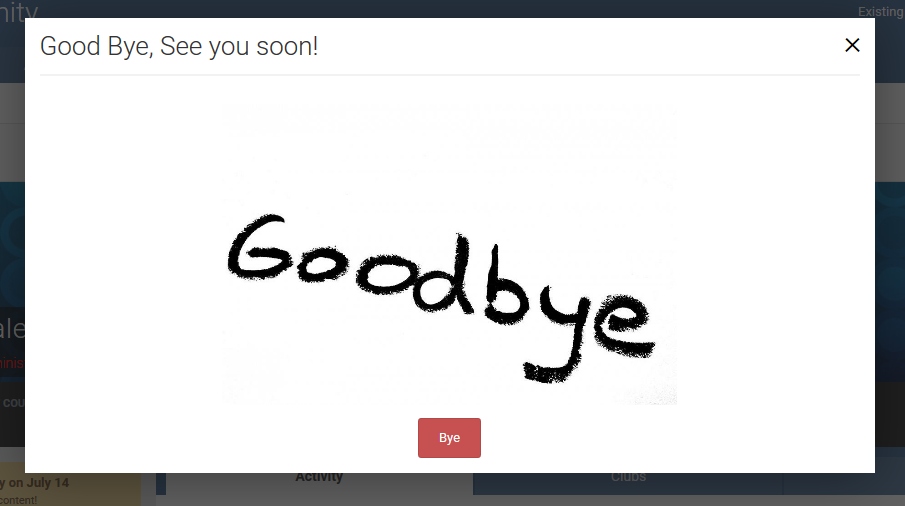
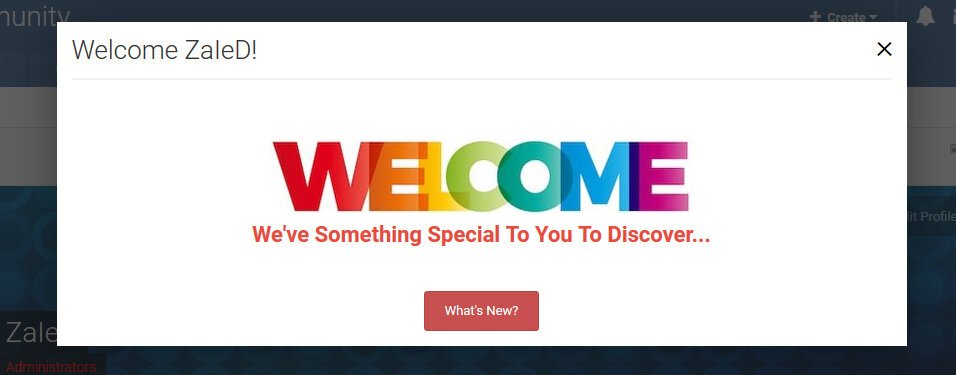
There's also another option that allows admins to set a pop-up modal message once users Login or logout.

The application comes with the following features:

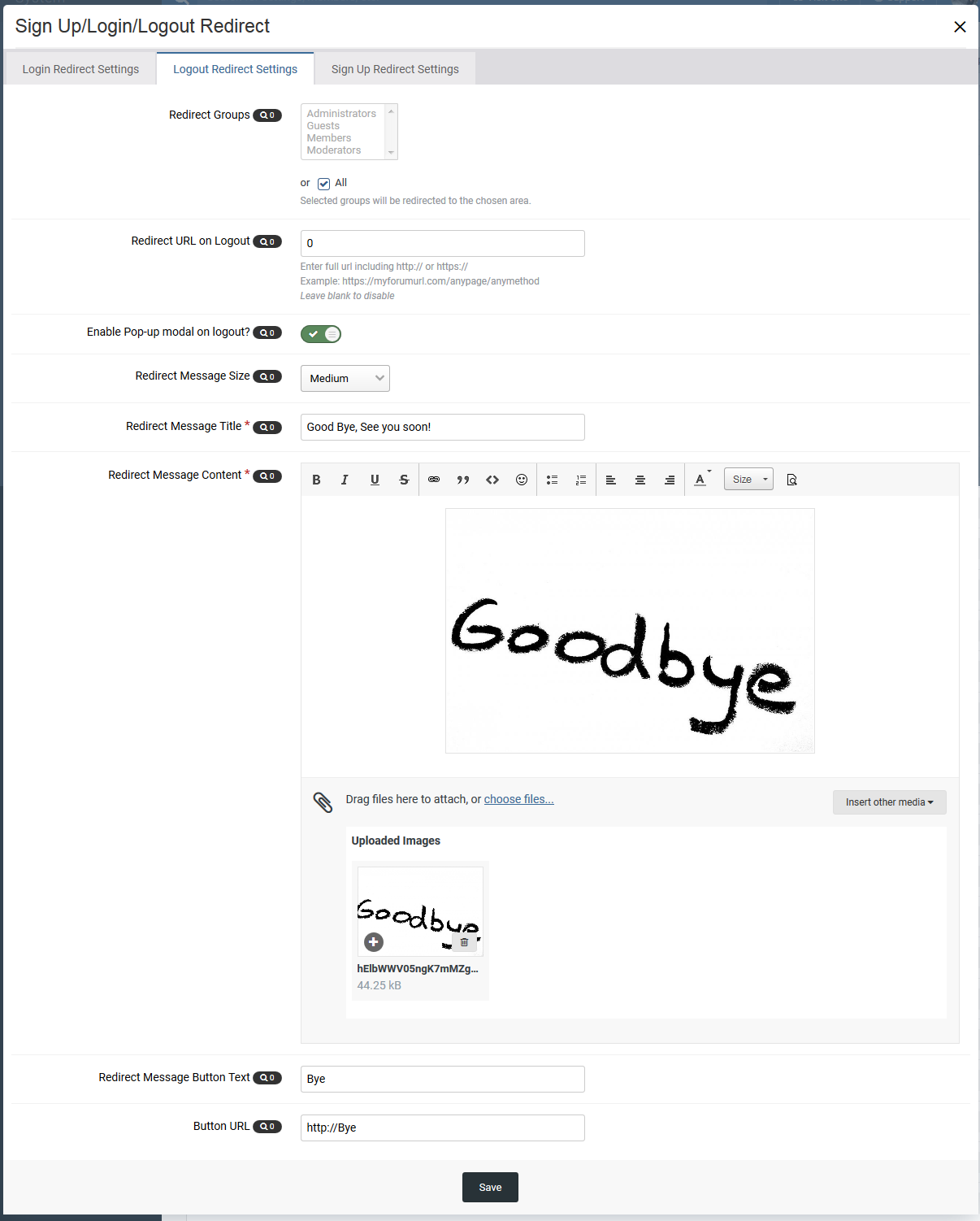
  • Customize user redirects per user group.
  • URL field for user redirection.
  • Option to allow redirection to the logging user profile.
  • Option to enable/disable popup message.
  • Message header title.
  • Full CKE to enter the message that user will get.
  • Pop-up modal message size.
  • Pop-message button text.
  • Pop-message button URL.
  • Setting to allow redirection based on secondary group instead of primary group.

User Feedback

You may only provide a review once you have downloaded the file.

There are no reviews to display.

Account

Navigation

Search

Search

Configure browser push notifications

Chrome (Android)
  1. Tap the lock icon next to the address bar.
  2. Tap Permissions → Notifications.
  3. Adjust your preference.
Chrome (Desktop)
  1. Click the padlock icon in the address bar.
  2. Select Site settings.
  3. Find Notifications and adjust your preference.